Getting Started
Get Fermi running in under a minute. Three commands — install, configure, launch.
Platform: macOS (Apple Silicon) / Linux (x86_64, arm64) / Windows (x64, arm64).
Install
Section titled “Install”macOS (Apple Silicon) / Linux (x86_64, arm64)
Section titled “macOS (Apple Silicon) / Linux (x86_64, arm64)”curl -fsSL https://raw.githubusercontent.com/FelixRuiGao/Fermi/main/scripts/install.sh | shWindows (x64, arm64)
Section titled “Windows (x64, arm64)”irm https://raw.githubusercontent.com/FelixRuiGao/Fermi/main/scripts/install.ps1 | iexSingle self-contained binary — no Bun, Node, or other runtime required. The installer extracts to ~/.fermi/bin/ and adds it to your PATH.
Open a new terminal (or run
source ~/.zshrc) before continuing — the PATH change does not apply to the shell that ran the installer.
The init wizard walks you through provider selection, API key configuration, and model selection:
fermi initThe wizard will:
- Show supported providers (Anthropic, OpenAI, OpenAI ChatGPT Login, GitHub Copilot, DeepSeek, Kimi, MiniMax, GLM, Xiaomi, Qwen, Ollama, oMLX, LM Studio, OpenRouter).
- Prompt for API keys or OAuth login.
- For local providers (Ollama, oMLX, LM Studio), auto-discover available models from the running server.
- Let you pick a default model.
Your provider/model selection is saved to ~/.fermi/settings.json (plus ~/.fermi/state/model-selection.json). API keys are stored in ~/.fermi/.env with 0600 permissions.
Re-run fermi init at any time to add providers or change your default model.
Start a Session
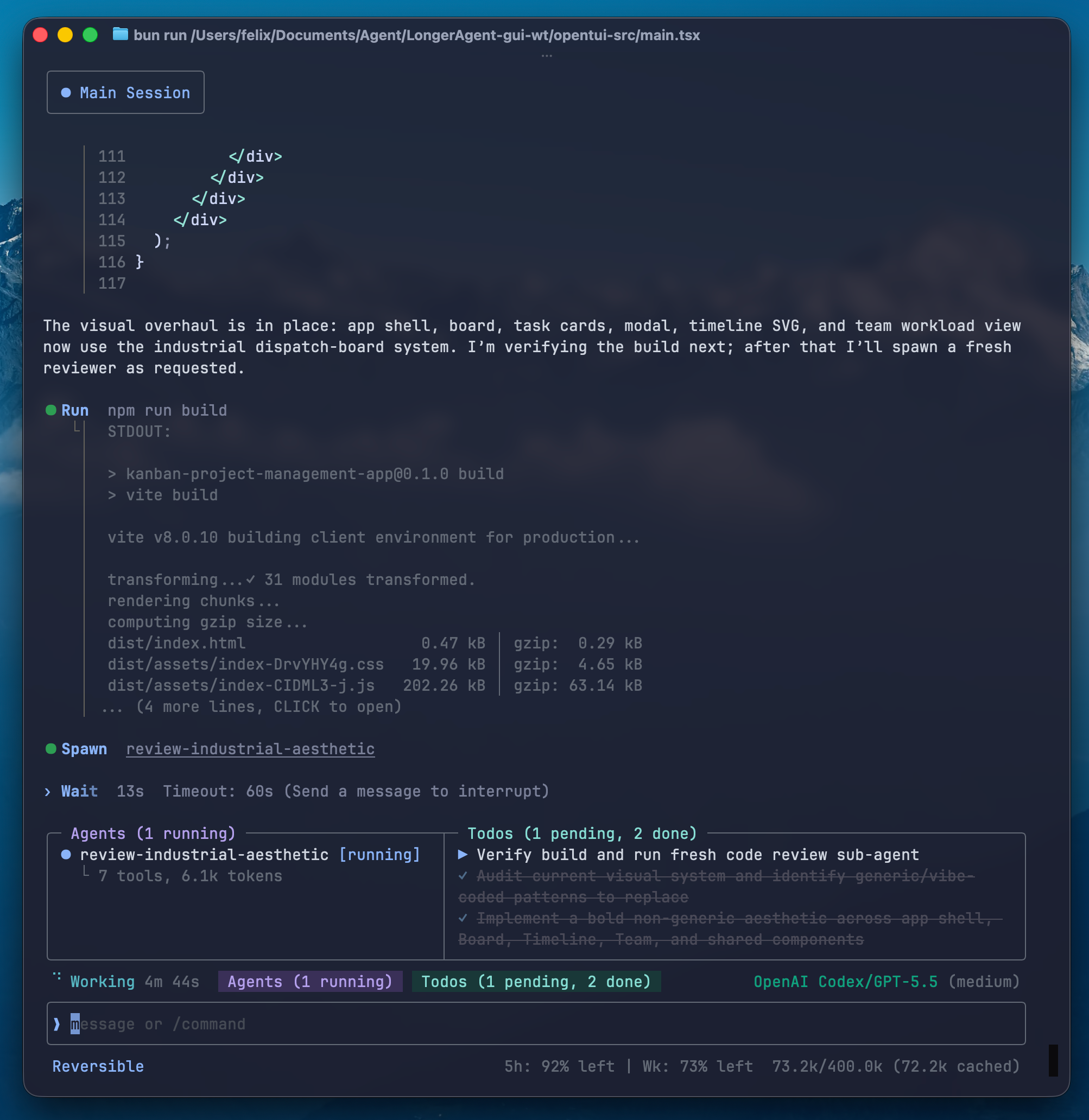
Section titled “Start a Session”fermiType a task and press Enter. The agent will explore, plan, and execute.
Key Commands
Section titled “Key Commands”| Command | Description |
|---|---|
/model | Switch model/provider at runtime |
/key | Add, replace, remove, or import a provider API key |
/summarize | Compress older context to free space |
/compact | Full context reset with continuation summary |
/rewind | Roll back to a previous turn (alias: /undo) |
/session | Resume a previous session (alias: /resume) |
/permission | Set permission mode (read_only / reversible / yolo) |
/tier | Configure sub-agent model tiers |
/skills | Enable/disable installed skills |
/mcp | Show MCP server status and tools |
/fork | Fork current session into a new branch |
/new | Start a new session |
/help | Show all commands and shortcuts |
See Slash Commands for the full reference.
Context Management at a Glance
Section titled “Context Management at a Glance”Fermi manages context through three cooperating layers:
| Layer | Trigger | What happens |
|---|---|---|
| Hint compression | Context reaches 50% / 75% | System nudges the agent to summarize older segments (two escalating hints) |
| Agent summarization | Agent decides (or user runs /summarize) | Agent inspects context map, surgically compresses selected blocks |
| Auto-compact | 85% before a turn / 90% mid-turn | Full reset with continuation prompt — agent resumes seamlessly |
These trigger percentages are the defaults — tune them with /summarize_hint. In most sessions you will not need to intervene; the three layers handle it automatically.
See Context Management for details.
CLI Options
Section titled “CLI Options”fermi # Start with auto-detected configfermi init # Run setup wizardfermi update # Check GitHub Releases and stage the latest versionfermi update --check # Check for updates without stagingfermi --resume <id> # Resume a specific session by IDfermi -c key=value # Override a setting for this sessionfermi oauth # Log in via OAuth (prompts for Codex or Copilot)fermi oauth status # Check OAuth login status (both services)fermi oauth logout # Log out (prompts for which service)fermi sessions # List saved sessions (add --json for machine output)fermi fix # Check and repair session storagefermi --templates <path> # Use a specific templates directoryfermi --verbose # Enable debug loggingfermi --version # Show versionUpdates
Section titled “Updates”Fermi checks GitHub Releases for new versions in the background (at most once every 24 hours). When a new version is available it downloads to ~/.fermi/staged/, and the next time you launch fermi the new binary is applied automatically.
fermi update— check and stage the latest version manually; restart to apply it/autoupdate— toggle background update checks (on/off, persists in global settings)
Safety
Section titled “Safety”Fermi does not sandbox shell commands or file edits. It executes commands and writes files directly. The /permission command lets you set the mode:
- read_only — only read tools auto-allowed; everything else asks for approval
- reversible — read + reversible writes auto-allowed
- yolo — everything auto-allowed except catastrophic operations
Persistent Memory
Section titled “Persistent Memory”Two AGENTS.md files are folded into the system prompt (present every turn) and survive compact resets:
~/.fermi/AGENTS.md— global preferences across all projects<project>/AGENTS.md— project-specific patterns, conventions, and decisions
The agent reads these automatically and can write to them when you ask it to save knowledge for future sessions.
Next Steps
Section titled “Next Steps”- Context Management — the core feature in depth
- Providers — set up cloud or local model providers
- Sub-Agents — parallel workers within a session
- Configuration — full reference for
~/.fermi/